The short answer
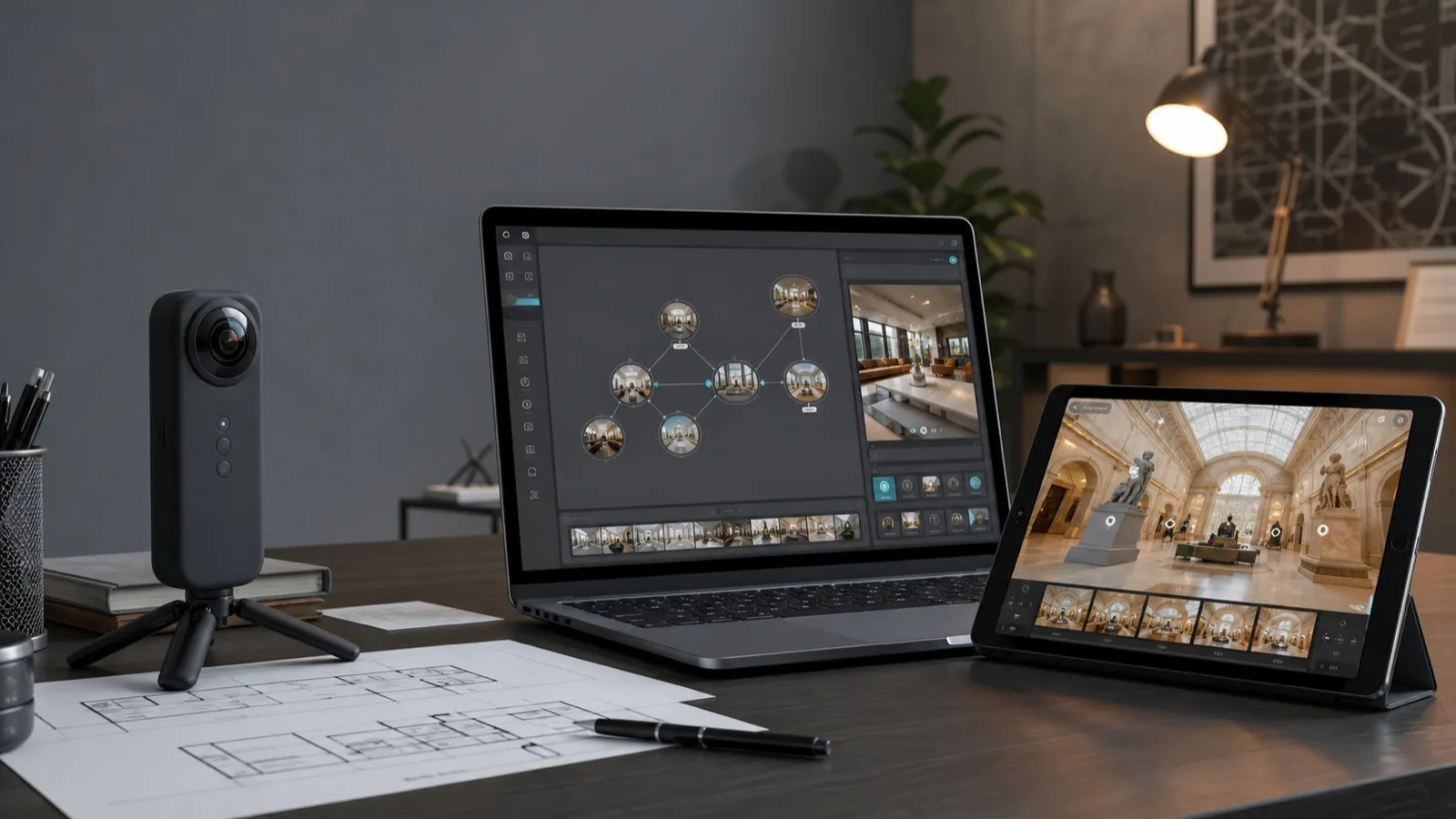
The best 360 virtual tour software depends on the job. Kuula is strong for simple hosted tours. 3DVista and Pano2VR are better when you need deeper control, custom UI, offline export, advanced hotspots, or complex presentation logic. Matterport is strongest when you need a scan-based 3D property model. CloudPano and Panoee are practical cloud options for real estate teams, photographers, and small businesses.
The bigger question is whether you need a tool or a finished experience. A real estate listing, museum exhibition, hotel tour, heritage site, tourism destination, or product showroom may need planning, storytelling, branded interface design, mobile testing, calls to action, and website integration.
Use this guide to compare popular 360 tour creator tools by fit, features, pricing model, and the point where Xentoro Studio's custom 360 tour development service becomes the better path.
Quick comparison
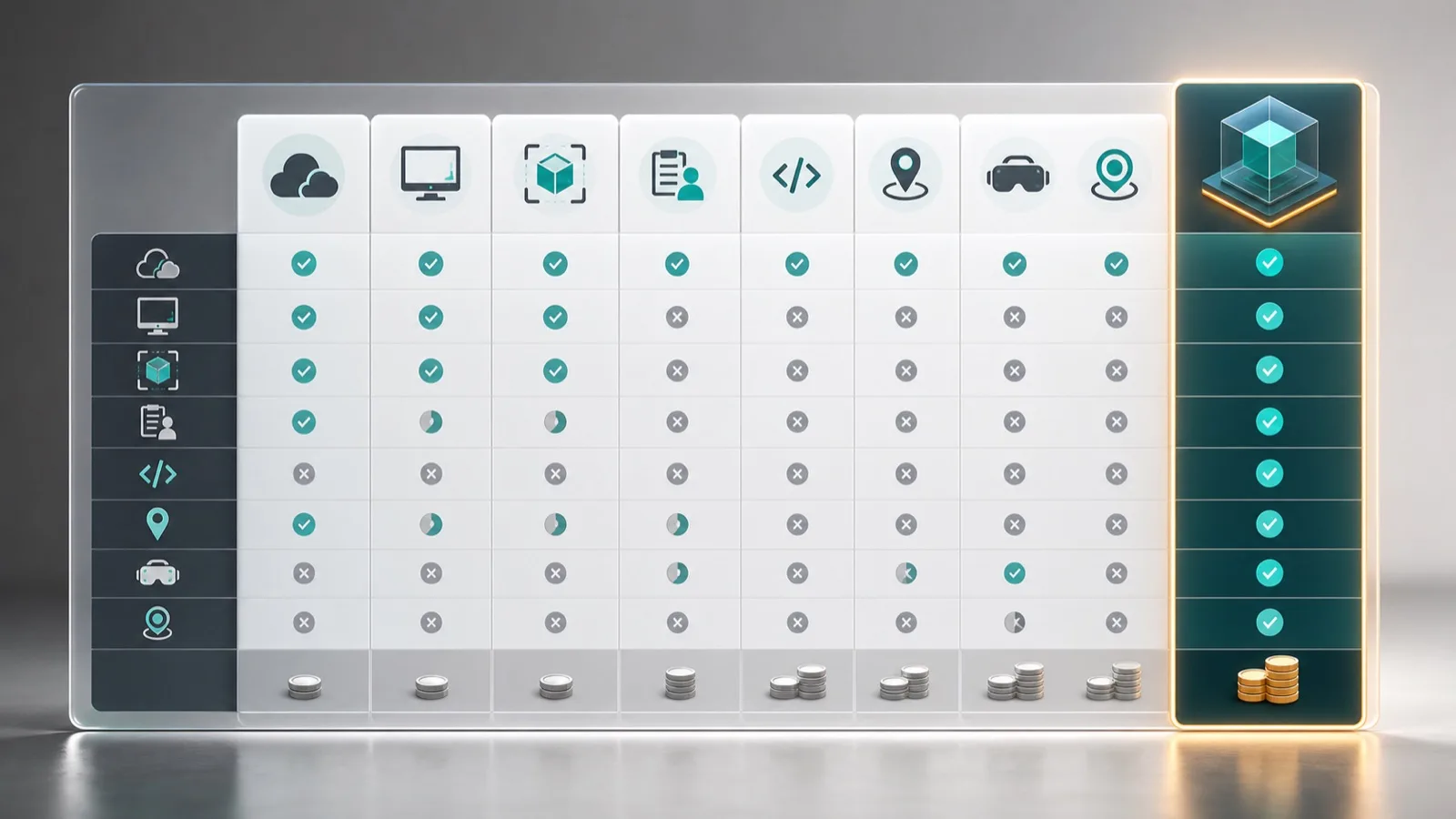
Start here if you already know the kind of project you are building. Pricing changes often, so always verify the official plan pages before buying.
| Tool | Best for | Watch out for |
|---|---|---|
| 3DVista | Advanced interactive tours, custom skins, offline export, education, training, tourism, museums, and branded experiences. | More control means more planning, design, and production skill. VT PRO is listed as a one-time license with optional hosting. |
| Kuula | Fast web-based 360 tours for real estate, architecture, galleries, education, and simple business embeds. | Great for speed, but less flexible for unusual UX, product storytelling, or highly custom branded experiences. |
| Matterport | Scan-based 3D spaces, real estate, property documentation, measurements, floor plans, and digital twins. | Best when the spatial model matters. Less ideal when storytelling, custom interface, or brand experience is the main goal. |
| CloudPano | Real estate, photographers, agencies, lead capture, white-label tours, and quick cloud publishing. | Strong for lead-focused tours, but complex content, multilingual storytelling, and custom integrations may need extra service work. |
| Pano2VR | Professional desktop workflows, large tours, custom skins, self-hosting, VR, 3D models, and developer-friendly control. | Powerful but more technical. It suits studios and teams comfortable owning the production workflow. |
| Panoee | Browser-based tours for real estate, hospitality, tourism, education, museums, and galleries. | Easy to start, but storage, branding, and advanced needs can change the long-term fit. |
| Xentoro Studio | Fully customized 360 tour design and development when your tour needs strategy, branding, storytelling, integrations, or custom UX. | Best when you want the result planned and built for a business goal, not just assembled inside a standard tour template. |
Best picks by use case
This is the practical shortlist before you go deeper into individual tools.
Best for deep customization: 3DVista
3DVista is strong when a tour needs custom skins, rich hotspots, maps, floor plans, live guided tours, VR support, offline export, and more presentation logic than a simple hosted gallery.
Best for quick hosted tours: Kuula
Kuula works well for teams that want a browser-based editor, simple embeds, branding, floor plans, maps, private links, audio, and a fast publishing workflow.
Best for 3D property scans: Matterport
Matterport is best when you need scan-based 3D spaces, measurements, floor plan add-ons, property intelligence, and a familiar real estate digital twin workflow.
Best for real estate marketing funnels: CloudPano
CloudPano is useful for real estate and agency users who want white-label publishing, lead capture, custom domains, live video chat, and quick cloud deployment.
Best for pro desktop control: Pano2VR
Pano2VR fits creators who want desktop software, responsive output, custom skins, self-hosting, VR headset support, large tour control, and a more technical workflow.
Best for free-start browser workflow: Panoee
Panoee is worth considering if you want to start free, build in the browser, use hotspot tools, and publish tours for real estate, hospitality, tourism, museums, or education.
3DVista overview
3DVista is one of the strongest options for businesses that want a professional 360 tour creator with advanced interaction design. It supports hotspots, skins, floor plans, maps, VR, offline and online export, live guided tours, 360 video, embedded external content, password protection, and Google Street View publishing.
It is especially useful for tourism destinations, heritage sites, museums, education, training, real estate, architecture, and branded experiences where the tour needs to feel like a guided product rather than a simple slideshow.
The tradeoff is learning curve. 3DVista gives creators a lot of control, but that also means the final quality depends on planning, image quality, interface decisions, performance optimization, and content structure.
Kuula overview
Kuula is a browser-based virtual tour platform built for speed and ease. It supports uploading panoramas, connecting scenes, custom branding, private tours, audio, custom hotspot icons, floor plans, maps, MLS-friendly links for real estate use, and website embeds.
It is a good fit for real estate agents, photographers, galleries, schools, architecture teams, and small businesses that want to publish polished 360 tours without managing a desktop production workflow.
Kuula is less ideal when a tour needs deeply custom UI, unusual business logic, complex product storytelling, advanced training flows, or full control over the surrounding web experience.
Matterport overview
Matterport is different from a typical 360 tour creator because it is built around captured 3D spaces and active-space hosting. It is strong for real estate, property management, construction documentation, facilities, insurance, and teams that need measurements, floor plans, property intelligence, and a familiar digital twin experience.
For a property listing, Matterport can be a very strong choice. For a museum storytelling experience, tourism journey, heritage interpretation layer, branded showroom, or product-led 360 experience, it can feel less flexible than custom tour development or advanced 360 tools.
Choose Matterport when the spatial model matters. Choose a 360 tour creator or custom build when the story, interface, content, calls to action, and brand experience matter more than scan data.
CloudPano overview
CloudPano is positioned around entrepreneurs, photographers, real estate brokers, agencies, and business owners who want branded cloud-hosted 360 tours. Its feature set includes embeds, custom branding, hotspots, infospots, VR headset presentation, custom domains, analytics, lead capture, privacy options, and live video chat on higher plans.
It can be a practical option when the business goal is not just showing a space, but capturing leads from property, dealership, campus, or venue traffic.
CloudPano is still a platform. If your experience needs a custom landing page, multilingual storytelling, CMS integration, booking flow, product configurator, museum labels, accessibility review, or analytics strategy, a custom service layer can add value on top of the software choice.
Pano2VR and Panoee overview
Pano2VR is a professional desktop tool for creators who want control over responsive tour output, custom skins, modern browser delivery, VR headsets, large connected tours, 360 video, gigapixel panoramas, 3D models, and self-hosted deployment. It is strong for technical teams and studios that are comfortable with a production workflow.
Panoee is more accessible for browser-based publishing. It targets real estate, hospitality, tourism, architecture, education, museums, and galleries, with a free-start model and paid options for storage and premium features.
Both can work well. Pano2VR is usually the more technical production tool. Panoee is usually the easier cloud tool. The better choice depends on who will maintain the tour after launch.
Feature comparison
A tool can look cheap on paper and still be expensive if it cannot support the experience your audience needs.
| Feature need | Best tool direction | Why it matters |
|---|---|---|
| Simple real estate tour | Kuula, CloudPano, Matterport, Panoee | Fast publishing, easy embeds, MLS-friendly workflows, and low setup friction are usually more important than deep customization. |
| High-control branded experience | 3DVista, Pano2VR, or Xentoro custom build | Tourism, museums, heritage, venues, and showrooms often need branded UI, storytelling, maps, content layers, and conversion paths. |
| 3D scan and measurements | Matterport | Measurements, digital twin workflows, floor plan add-ons, and property documentation are Matterport's strongest use case. |
| Training or education | 3DVista, Pano2VR, or custom development | Education tours often need branching, labels, quizzes, narration, SCORM or LMS planning, and repeatable learning structure. |
| Lead generation | CloudPano, Kuula Business, or custom development | Lead forms, booking links, analytics, CTAs, and CRM-style handoff matter more than the panorama viewer itself. |
| Product or showroom experience | 3DVista, Pano2VR, or Xentoro custom build | Products may need hotspots, embedded media, SKU information, configurators, quote requests, 3D models, or custom UI. |
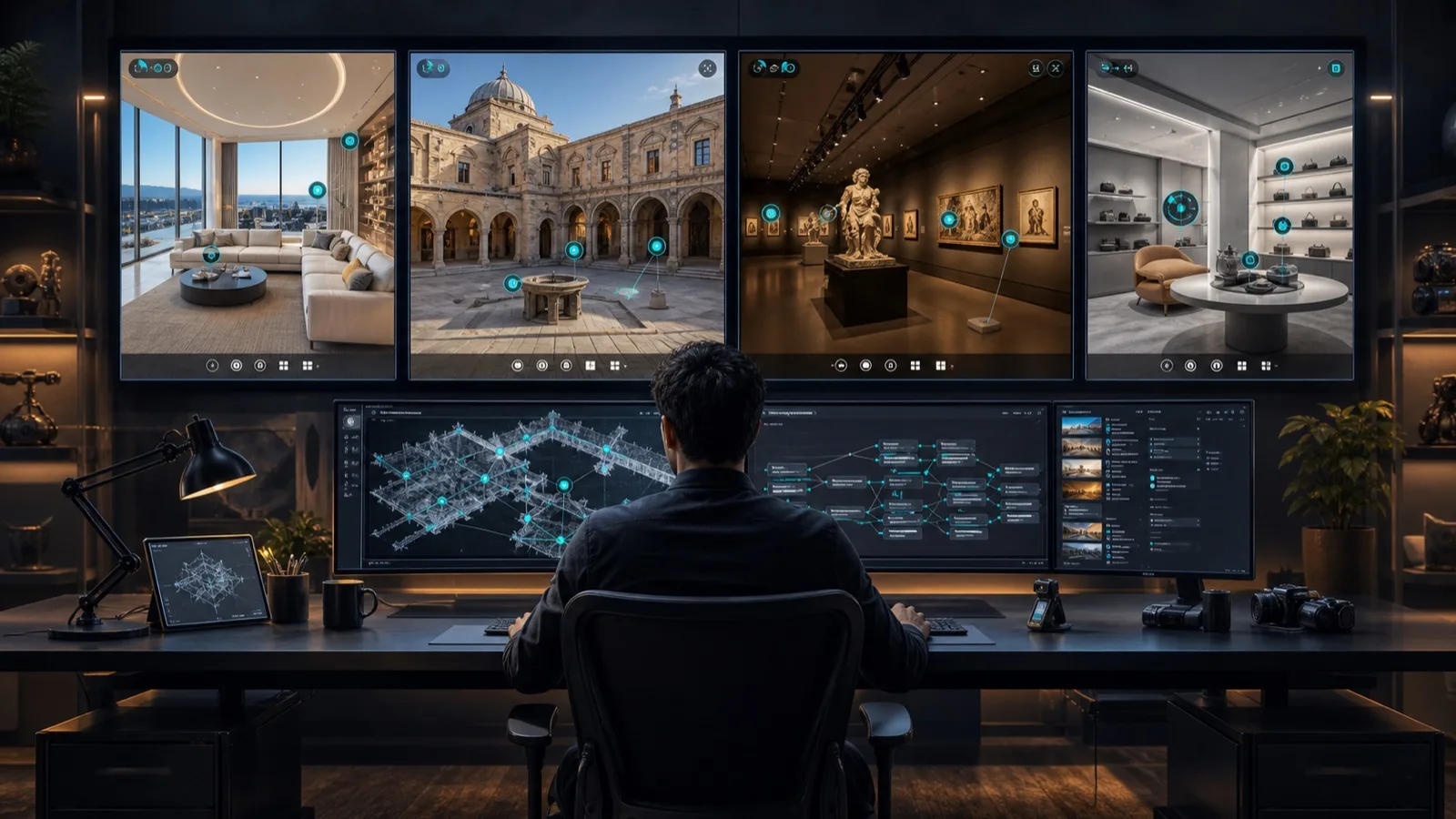
A tool creates the tour. A custom service creates the experience.
Xentoro Studio can use the right 360 workflow for the job, then add planning, UX, branding, hotspot strategy, website integration, conversion design, multilingual content, analytics, and future AR or VR expansion.
When a custom 360 tour is better than software alone
A standard 360 tour creator is usually enough when you need to upload panoramas, connect rooms, add a few hotspots, and embed the result on a website. Many real estate listings, small galleries, showrooms, classrooms, and event spaces can start there.
A custom 360 tour becomes more useful when the tour is part of a larger business journey. A museum may need exhibit labels, audio, school-program flows, donor storytelling, and accessibility checks. A heritage site may need maps, timelines, multilingual content, preservation notes, and guided routes. A hotel or venue may need booking CTAs, room comparisons, floor plans, event packages, and analytics. A product showroom may need hotspots, product data, videos, quote forms, and future AR expansion.
That is where Xentoro fits. We can plan the viewer journey, choose the right tour technology, design the interface, structure hotspots, prepare web embeds, optimize mobile UX, connect calls to action, and build a tour that supports real business outcomes instead of only showing panoramic images.
Where Xentoro custom 360 tours fit best
The stronger the business goal, the more value there is in custom planning and development.
Real estate and property
Interactive tours can support listings, developments, rentals, investor presentations, floor plans, lead forms, and sales conversations.
Tourism and destinations
Destination tours can combine viewpoints, routes, booking links, seasonal content, maps, narration, and itinerary planning.
Heritage sites and museums
Cultural tours can include guided storytelling, exhibit labels, donor content, school resources, language layers, and accessibility-minded navigation.
Hotels and venues
Hotels, resorts, wedding venues, and event spaces can show rooms, halls, layouts, amenities, views, booking CTAs, and proposal-ready links.
Products and showrooms
A showroom tour can include product hotspots, videos, spec sheets, quote requests, product categories, and future AR or 3D model extensions.
Education and training
Training tours can include step-by-step hotspots, narration, checkpoints, safety zones, equipment notes, and LMS planning when needed.
How to choose the best 360 virtual tour software
Before choosing 3DVista, Kuula, Matterport, CloudPano, Pano2VR, Panoee, or a custom build, answer these questions.
- Do you need a simple tour, a scan-based 3D model, or a custom interactive web experience?
- Will your team capture and maintain the tour, or do you need a done-for-you service?
- Does the tour need custom branding, private links, white-label hosting, or a custom domain?
- Will visitors use the tour mostly on mobile, desktop, VR headsets, or embedded inside another website?
- Do you need floor plans, maps, analytics, lead capture, booking links, product data, narration, or video?
- Does the content need multiple languages for international visitors?
- Will the tour support real estate, tourism, heritage, museums, venues, products, training, or a mixed use case?
- Do you need offline export, self-hosting, long-term ownership, or easy cloud maintenance?
Recommended choice by buyer type
Choose Kuula if you want an easy, polished, cloud-hosted 360 tour creator for everyday business use. Choose 3DVista if you need richer interactions, live guided tours, advanced skins, offline export, and deeper control. Choose Matterport if you need a scan-based property digital twin with measurements and active-space management.
Choose CloudPano if your priority is real estate marketing, white-label cloud hosting, lead capture, and agency-style virtual tour sales workflows. Choose Pano2VR if you want professional desktop control, custom skins, self-hosting, large tours, or a technical studio workflow. Choose Panoee if you want a low-friction browser tool with a generous free-start path.
Choose Xentoro if you want the tour planned and built around your business: custom interface, strategic hotspots, multilingual content, booking or enquiry CTAs, product storytelling, heritage interpretation, museum education, tourism routes, website integration, analytics, and future AR or VR expansion.
FAQs about best 360 virtual tour software
What is the best 360 virtual tour software?
The best 360 virtual tour software depends on the use case. Kuula is strong for simple hosted tours, 3DVista and Pano2VR for advanced customization, Matterport for scan-based 3D spaces, CloudPano for real estate marketing, and Panoee for browser-based free-start tours.
Is 3DVista better than Kuula?
3DVista is better for advanced interactive tours, custom skins, offline export, training, museums, tourism, and branded experiences. Kuula is better when you want an easier cloud workflow, fast publishing, simple embeds, and lower setup complexity.
Is Matterport the same as a 360 virtual tour?
Matterport is related but not identical. A standard 360 virtual tour usually connects panoramic photos with hotspots. Matterport creates scan-based 3D spaces with measurements, digital twin features, floor plan options, and active-space hosting.
How much does 360 virtual tour software cost?
360 virtual tour software can range from free plans to monthly subscriptions, one-time licenses, hosting add-ons, and enterprise pricing. Always check official pricing pages because plan limits, active spaces, hosting, storage, and branding features change over time.
When should a business hire a custom 360 tour developer?
Hire a custom 360 tour developer when the project needs branded UI, storytelling, multilingual content, booking or lead flows, analytics, custom web integration, product data, museum labels, heritage interpretation, training structure, or future AR and VR expansion.
Can Xentoro build a 360 tour for real estate, tourism, heritage, museums, or products?
Yes. Xentoro Studio provides custom 360 tour development for real estate, tourism, heritage sites, museums, venues, education, products, showrooms, and branded business experiences.
Need more than a standard 360 tour template?
Xentoro can design and develop a fully customized 360 tour experience for real estate, tourism, heritage sites, museums, venues, education, showrooms, products, and branded campaigns.