AR concept and interaction plan
Clear user journeys, trigger methods, content requirements, device assumptions, and platform recommendation.
AR Augmented Reality Solutions
Add digital layers to real-world moments: exhibit guides, product previews, location-based trails, interactive learning, campaign filters, and AR games. We help choose between WebAR, native AR, and app integrations based on the audience.
Best For
What You Get
Clear user journeys, trigger methods, content requirements, device assumptions, and platform recommendation.
A browser-based AR experience or native iOS/Android build depending on tracking, performance, and feature needs.
Optimized 3D models, animations, labels, audio, and media prepared for mobile performance.
Image markers, surface tracking, face filters, QR entry points, GPS triggers, or spatial anchors where appropriate.
A practical way to update exhibit copy, routes, assets, links, or campaign content after launch.
Device testing, browser checks, App Store or Google Play preparation, and rollout documentation.
Typical Timeline
We define whether WebAR, native mobile AR, or an app module best fits the audience and content.
A small AR proof validates tracking, content visibility, user flow, and device performance.
AR scenes, UI, triggers, assets, CMS or API connections, and analytics are built in production cycles.
We test across devices, lighting conditions, browsers, or app-store requirements before launch.
Pricing Drivers
We price around complexity, content, integrations, and launch requirements. These are the questions that usually shape a realistic quote.
Proof Of Capability
These are concept-style examples until you confirm which items should be presented as real client work.
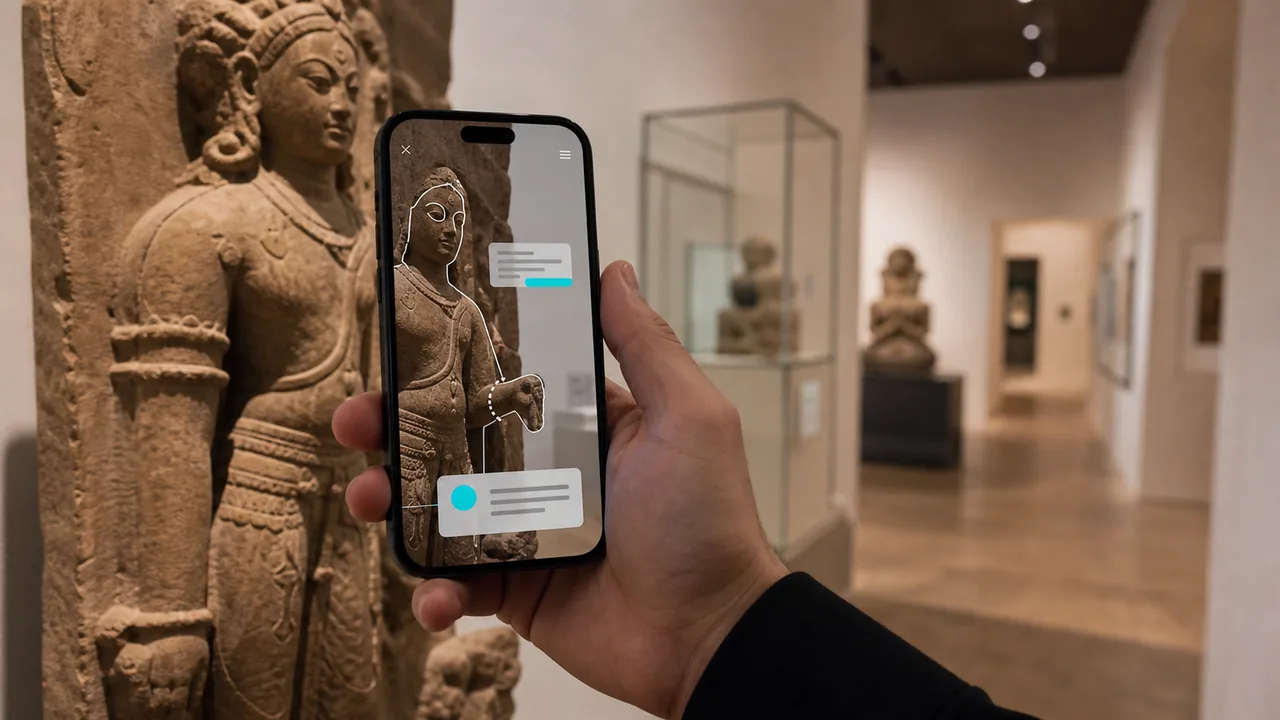 Concept
A mobile guide that overlays artifact stories, 3D reconstructions, timelines, and audio while visitors move through exhibits.
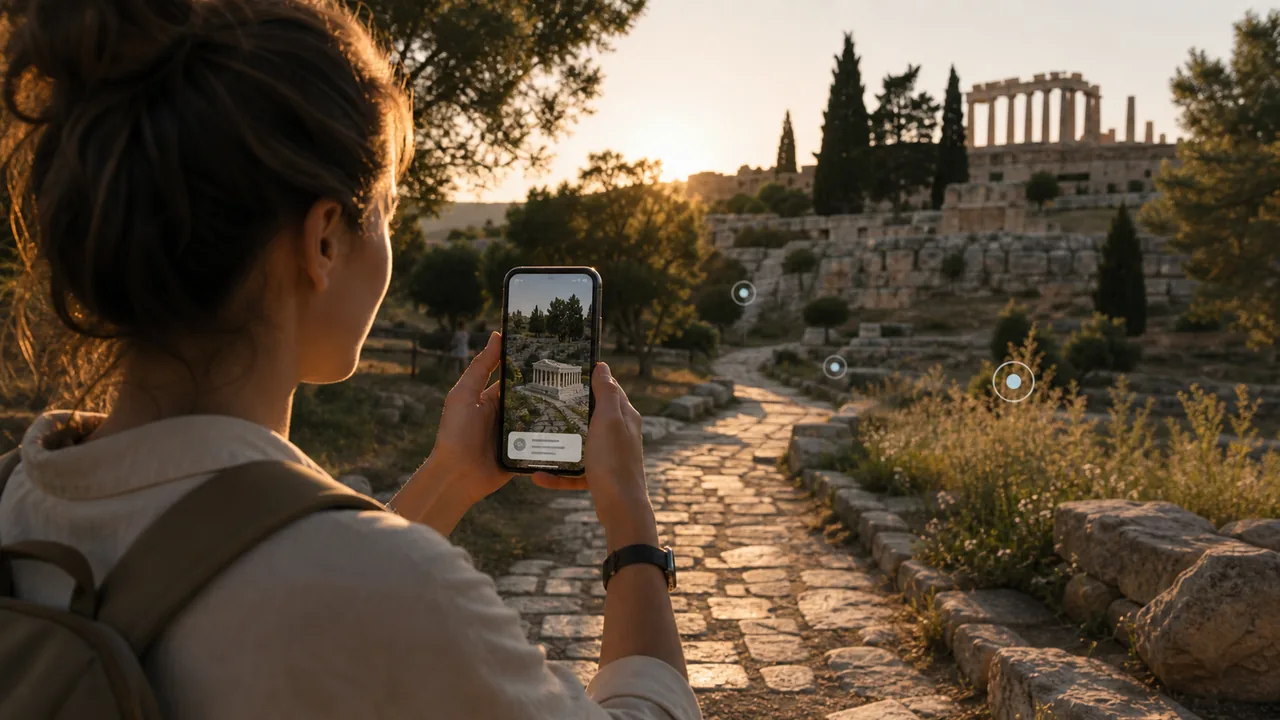 Concept
A location-aware outdoor route with waypoint content, safety prompts, and place-based storytelling.
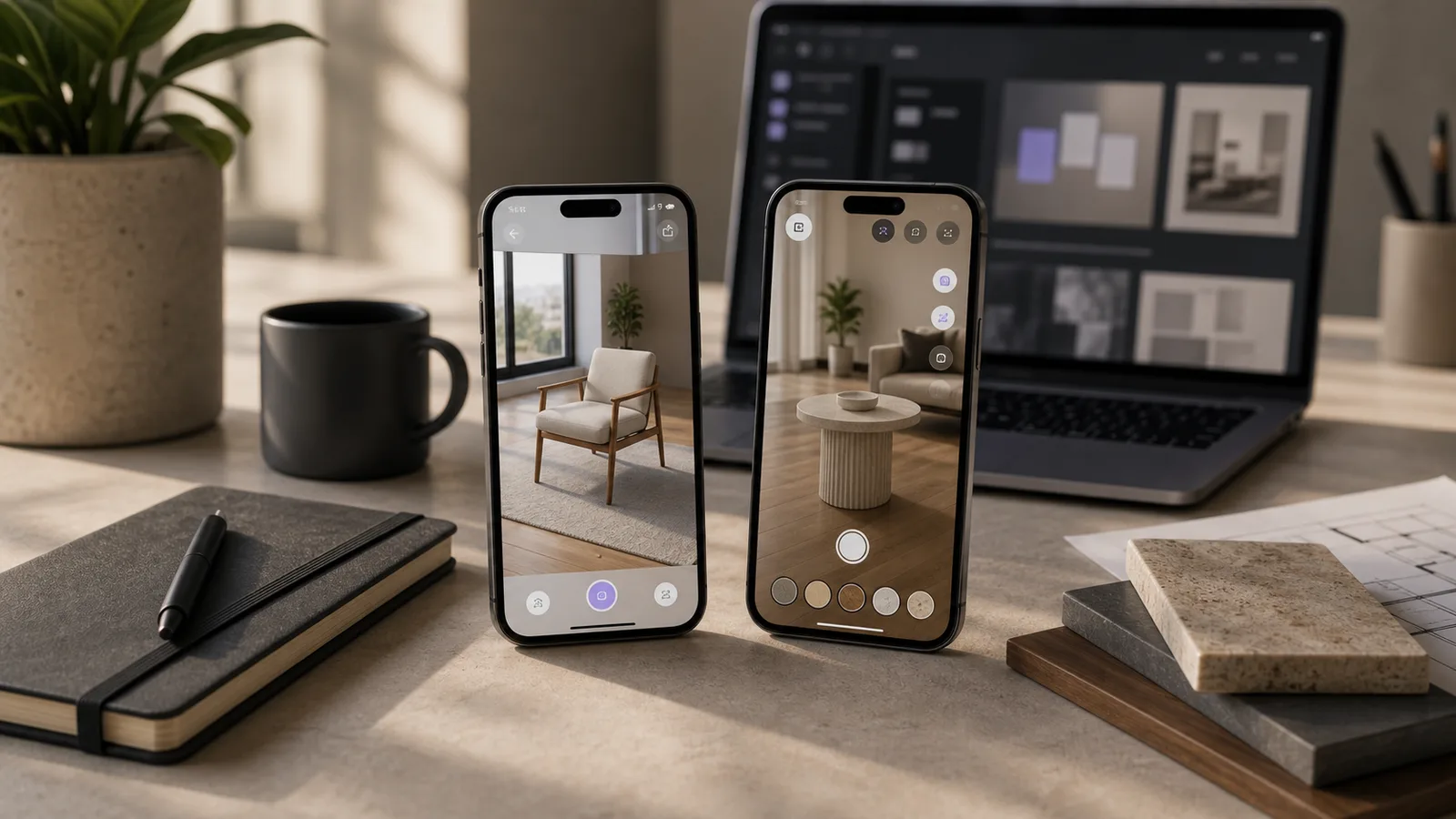 Concept
A WebAR preview that lets buyers place a product in their space without installing an app.
FAQ
Not always. WebAR can work from a mobile browser for simpler experiences. Native apps are better for heavier tracking, offline use, advanced sensors, or app-store distribution.
Common triggers include QR codes, image markers, product packaging, surfaces, GPS locations, and face tracking depending on the experience.
Yes, but the design changes. Indoor experiences often use markers or spatial tracking, while outdoor routes may rely on GPS, maps, QR points, or guided wayfinding.
Yes. If the app architecture allows it, we can scope AR as a module and coordinate with your existing development team.
Helpful inputs include brand guidelines, content copy, reference images, 3D model sources if available, target locations, and sample devices your audience uses.
Related Resources