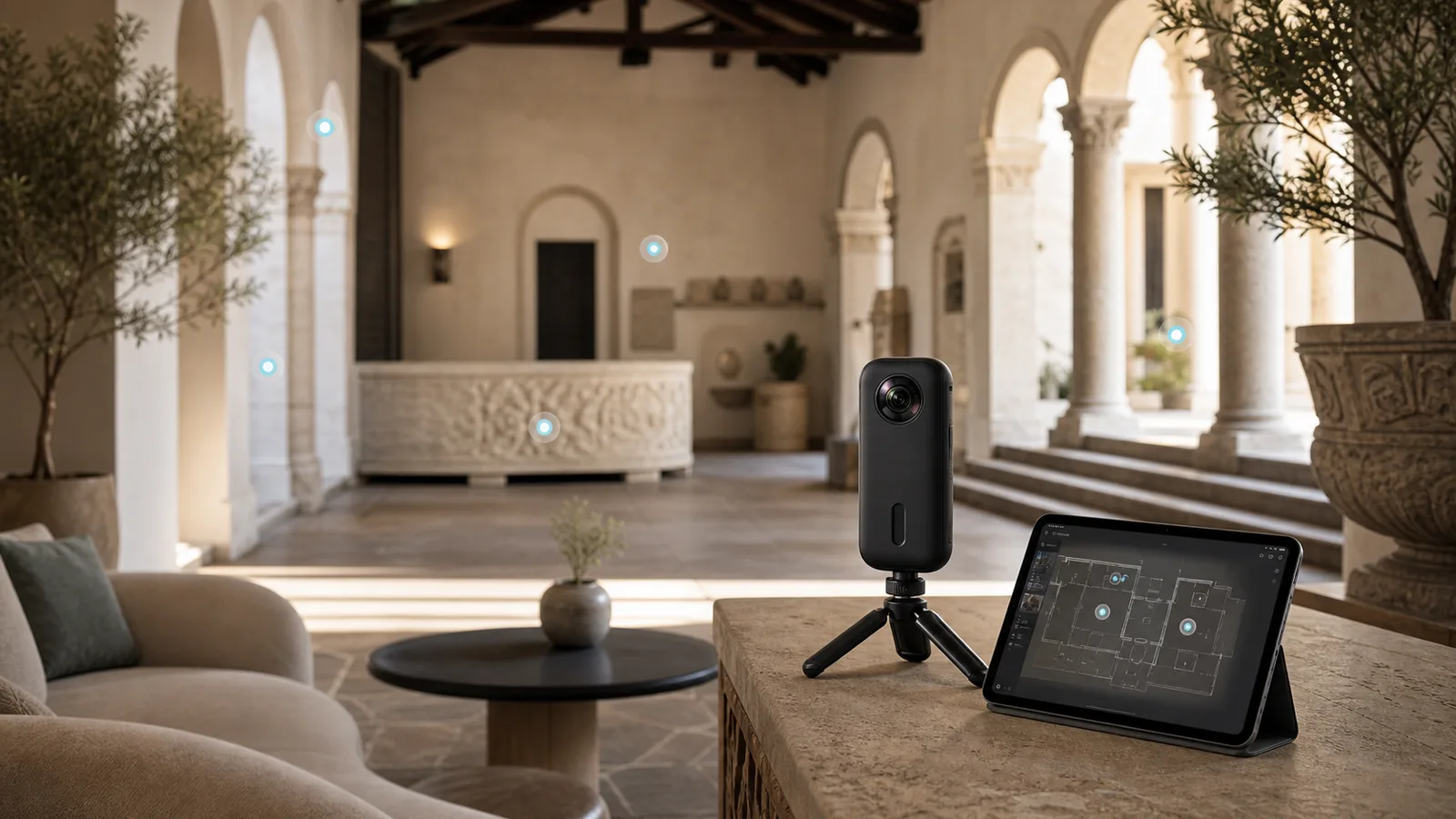
What is a 360 tour?
A 360 tour is an interactive digital experience that lets someone explore a real place from their phone, laptop, tablet, or headset. Instead of looking at a few flat photos, the viewer can move through connected 360-degree scenes, look around in every direction, click hotspots, open information panels, follow a floor plan, watch embedded media, or jump between rooms and locations.
For a business, a 360 tour is more than a visual add-on. It helps people understand a space before they visit, book, buy, rent, study, or make an enquiry. A real estate buyer can walk through a home from another city. A hotel guest can inspect a suite before booking. A museum visitor can explore an exhibition online. A school can show parents its campus.
The best 360 tours do not feel like a gimmick. They feel useful. They answer the questions people naturally ask when they are considering a space: What does it look like? How do the rooms connect? What is included? Can I picture myself there? Is it worth my time to visit in person?
360 tour vs virtual tour vs VR tour
These terms are often used together, but they are not always identical. A 360 tour usually means an interactive tour made from 360-degree photos or panoramas. The viewer can look around and move between captured points.
A virtual tour is broader. It can mean a 360 tour, a video walkthrough, a 3D rendered environment, a Matterport-style model, a website-based experience, or a guided interactive product demo. A VR tour is designed for virtual reality headsets. Some 360 tours can support VR mode, but not every 360 tour is built primarily for headset use.
For most businesses, the practical question is not the label. The practical question is: what does the viewer need to understand, and what format will help them act with confidence?
How 360 tours work
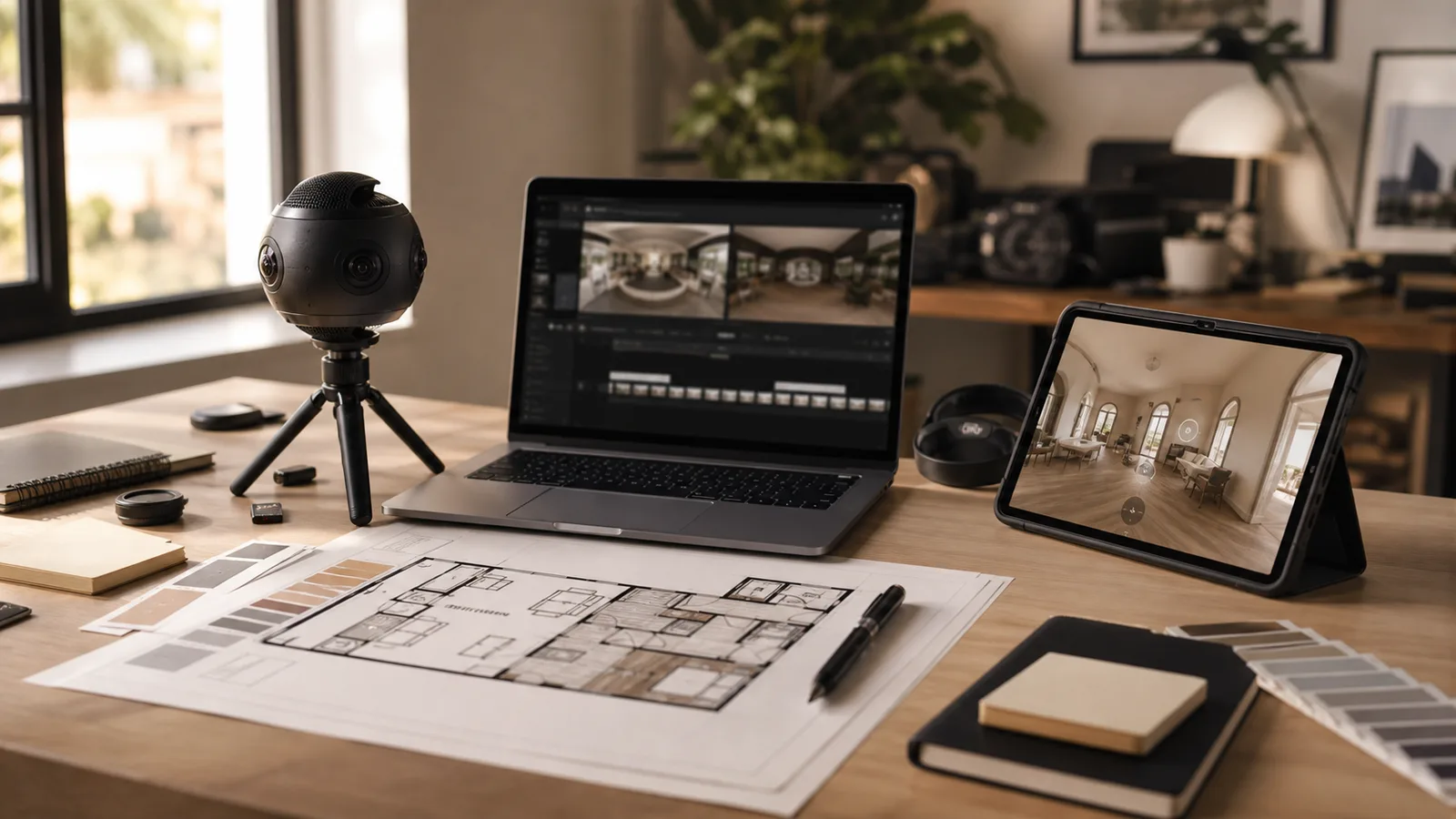
A finished 360 tour usually follows a clear production workflow. The technology can be advanced, but the buyer journey should stay simple.
- Plan the viewer journey: define the audience, business goal, required spaces, calls to action, brand tone, publishing locations, and accessibility needs.
- Capture the space: use a 360 camera, DSLR panoramic setup, or 3D scanning system. Quality depends on lighting, camera position, spacing, stability, exposure, and surface reflections.
- Stitch and finish the imagery: level horizons, balance exposure, remove tripod marks, blur private information, match color across rooms, and optimize files for web performance.
- Build the interaction: connect scenes, add navigation, hotspots, floor plans, labels, narration, videos, product cards, booking buttons, lead forms, and analytics events where useful.
- Publish and embed: place the tour on a website, landing page, property listing, Google Maps-style profile, QR code, sales proposal, learning system, or campaign page.
- Measure and improve: review views, click patterns, device behavior, form submissions, booking clicks, and drop-off points to refine the experience.
Why businesses use 360 tours
360 tours work because they reduce uncertainty. A buyer does not have to imagine a space from cropped photos. They can explore it.
That can lead to more confident enquiries, better-qualified leads, longer engagement, remote access for people in another city or country, and a reusable sales asset for websites, emails, QR codes, listings, ads, and presentations.
The strongest use case is not always more views. It is often better-fit enquiries, fewer repetitive explanations, and a smoother path from curiosity to action.
Main benefits of 360 tours
If the space influences trust or purchase decisions, a 360 tour can support both marketing and sales.
Build trust before a visit
People can inspect the real environment before contacting your team, booking a viewing, or planning a trip.
Qualify enquiries
Visitors who explore the tour usually understand the space better, which can reduce low-fit enquiries.
Support remote decisions
Out-of-city buyers, guests, parents, clients, and stakeholders can review the space without travel.
Improve sales conversations
Teams can walk prospects through the same tour during calls, proposals, or presentations.
Common industries for 360 tours
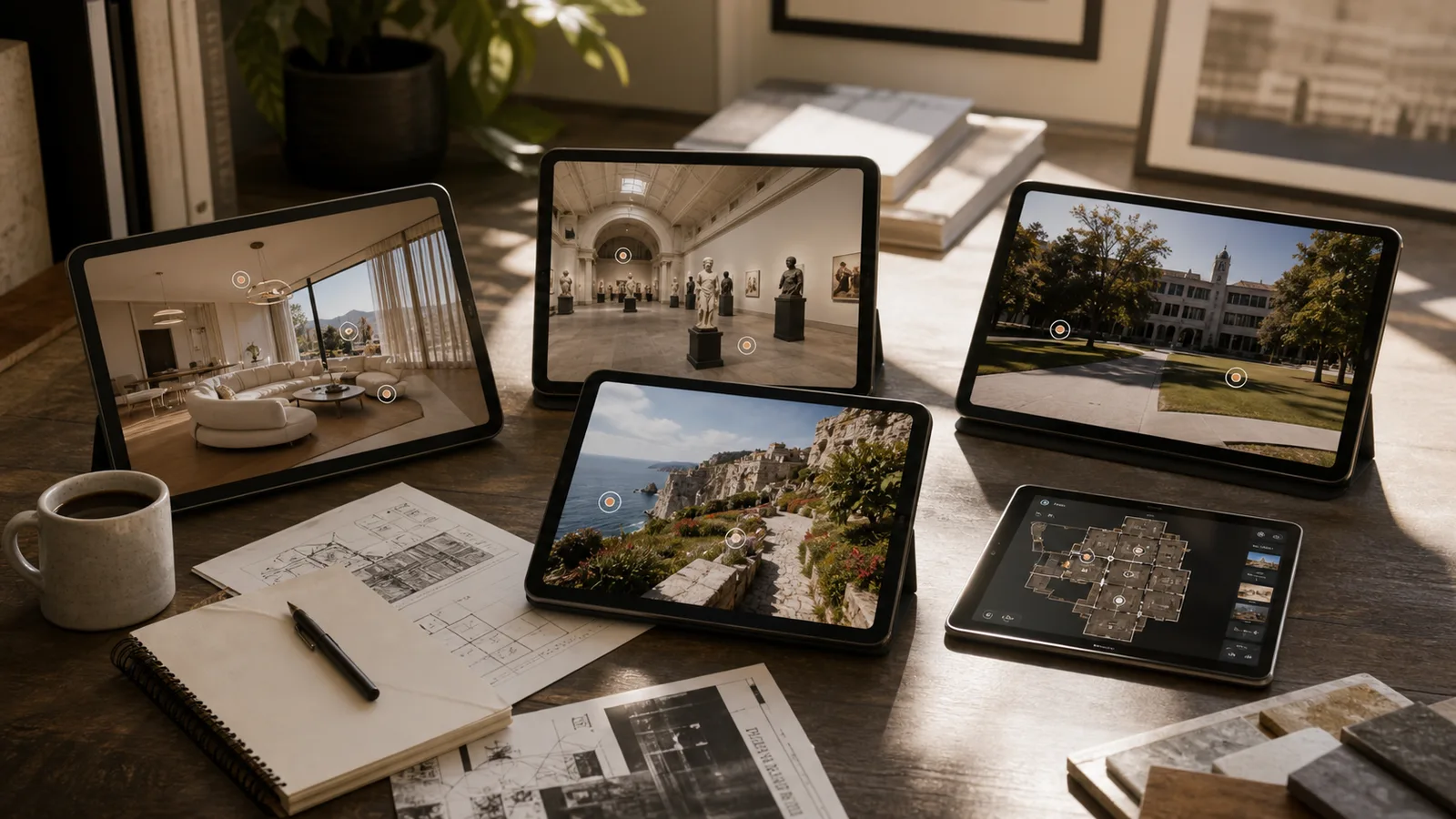
360 tours are useful anywhere a physical place influences trust, planning, or decision-making.
- Real estate: help buyers and renters inspect layout, room flow, finishes, natural light, and spatial feel before scheduling a visit.
- Hotels and hospitality: show rooms, suites, lobbies, restaurants, event halls, spas, and views before a booking decision.
- Tourism and destinations: turn curiosity into itinerary planning with explorable viewpoints, trails, visitor facilities, and seasonal experiences.
- Museums and galleries: support remote access, school programs, exhibition previews, donor engagement, and contextual learning.
- Education and campuses: show classrooms, labs, studios, libraries, hostels, sports facilities, and student spaces to parents or international students.
- Retail and showrooms: make physical environments browseable online with hotspots connected to product pages, catalogues, or consultation forms.
- Construction and facilities: document progress, site conditions, renovations, safety zones, and handover states for remote stakeholders.
- Training and operations: layer instructional hotspots into warehouses, clinics, factories, hospitality venues, or safety environments.
See the benefits by industry before planning your tour.
Real estate, hotels, museums, campuses, venues, and tourism teams use 360 tours differently. The best tour starts with the viewer's decision, not only the camera.
What 360 virtual tour services usually include
A professional 360 tour service should cover more than photography. The business outcome depends on planning, UX, content, and launch.
| Service area | What it means | Why it matters |
|---|---|---|
| Tour planning | Audience, scene list, route, hotspots, floor plan, and CTA strategy | Keeps the tour useful instead of becoming a random set of panoramas |
| Capture or asset preparation | 360 photos, panoramas, maps, media, copy, and location notes | Gives the tour enough visual and informational quality to build trust |
| Interactive build | Navigation, labels, hotspots, media, booking links, forms, and analytics | Turns the tour into a conversion asset rather than only a visual asset |
| Website publishing | Responsive embed, landing page, loading checks, and mobile testing | Makes the tour easy to find, load, share, and use on real devices |
What features can a 360 tour include?
A basic tour may only need connected panoramas. A business-grade tour may need more context and conversion support.
| Feature | What it does | Best for |
|---|---|---|
| Hotspots | Adds clickable labels, media, or navigation points | Museums, venues, showrooms, training |
| Floor plan | Helps viewers understand layout and jump between areas | Real estate, campuses, hotels |
| Guided path | Creates a recommended route through the experience | Tourism, sales tours, onboarding |
| Audio narration | Adds voice context without visual clutter | Heritage, education, hospitality |
| Booking CTA | Lets viewers act while interest is high | Hotels, tours, consultations |
| Lead form | Captures enquiries from inside or near the tour | Real estate, showrooms, services |
| VR mode | Lets viewers use a compatible headset | Training, exhibitions, immersive previews |
| Analytics | Shows engagement and conversion signals | Marketing and sales teams |
What buyers should prepare before commissioning a 360 tour
A little preparation before capture can make the final tour clearer, faster to build, and easier to use.
- Define the main goal: more property enquiries, better venue bookings, fewer repetitive questions, stronger admissions content, or a premium campaign experience.
- Create a space list: mark must-have areas, optional areas, private areas, and places that need special access.
- Describe the ideal viewer: a tourist, buyer, parent, guest, tenant, employee, or investor will each need different context.
- Gather brand and content assets: logos, colors, copy, videos, brochures, floor plans, maps, product data, booking links, and contact forms.
- Prepare the location: clean surfaces, remove sensitive documents, arrange furniture, turn on lights, hide clutter, and plan around people movement.
- Confirm publishing needs: website, Google Maps-style profile, property portal, booking page, QR code, ad campaign, learning platform, or sales presentation.
How much do 360 tours cost?
360 tour pricing varies because projects vary. A single small space is very different from a multi-floor campus or a custom branded tourism experience.
Common pricing drivers include the number of rooms, size and complexity of the location, travel, capture method, image retouching, floor plans, number of hotspots, custom interface design, audio, video, hosting, analytics, multilingual content, and future updates.
For buyers, the better question is not, What is the cheapest 360 tour? It is, What level of tour will actually help my audience take the next step?
How to choose a 360 tour studio
When comparing providers, look beyond camera ownership. A strong 360 tour partner should understand both capture and user experience.
- Can they explain the viewer journey before talking about equipment?
- Have they built tours for your type of space or a similar business goal?
- Do they provide planning, capture, editing, interface, and publishing support?
- Can they create hotspots, floor plans, calls to action, and branded elements?
- Will the tour work well on mobile?
- Can it be embedded on your website?
- Can it support SEO with proper surrounding page content?
- Who owns the final assets?
- How are updates handled later?
Where Xentoro fits
Xentoro Studio builds digital experiences across 360 tours, AR, VR, games, and AI voice agents. That matters because many 360 tour projects do not stop at photography. A business may later want AR wayfinding, VR training, a game-like learning layer, an AI receptionist, or a more interactive lead-generation flow.
For a 360 tour project, a full-service workflow can include discovery, viewer journey planning, capture planning, interactive tour structure, hotspots, floor maps, website embedding, booking CTA placement, mobile UX review, SEO-friendly landing page support, and future AR or VR expansion planning.
The goal is simple: make your space easier to understand, easier to trust, and easier to act on.
FAQs about 360 tours
Are 360 tours good for SEO?
They can support SEO when they are placed on a helpful, crawlable page with descriptive copy, headings, internal links, image alt text, and schema where appropriate. A tour by itself is often not enough because search engines need context around it.
Do 360 tours work on mobile?
Yes. Modern 360 tours can work well on mobile when the player is lightweight, controls are clear, images are optimized, and the interface is designed for touch.
Do people need a VR headset to view a 360 tour?
No. Most 360 tours work in a normal web browser. VR headset support can be added for some experiences, but it is optional for most business use cases.
What is the difference between a 360 tour and a video walkthrough?
A video walkthrough is linear because the viewer watches what the camera shows. A 360 tour is interactive because the viewer controls where to look and where to go next.
Can 360 tours include clickable information?
Yes. Hotspots can show text, images, videos, links, booking buttons, product details, audio, forms, or navigation jumps.
What types of businesses should use 360 tours?
Any business where the physical space influences trust or decision-making can benefit. Common examples include real estate, hotels, tourism, museums, campuses, event venues, showrooms, construction, and training spaces.
Plan a 360 tour that helps people understand your space faster.
Xentoro can help structure the tour path, hotspot content, web experience, mobile UX, and conversion flow around your business goal.