What is augmented reality?
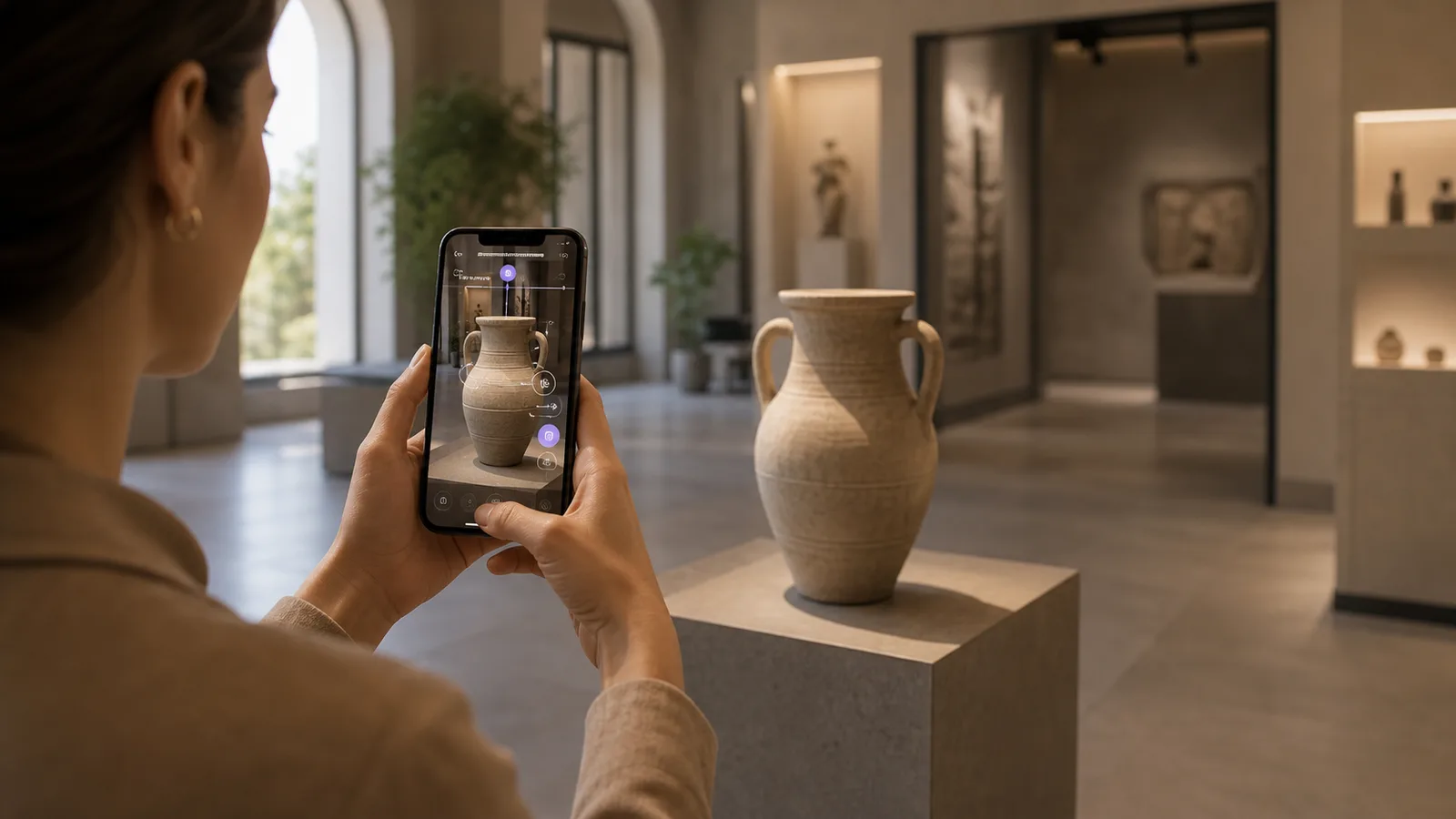
Augmented reality, often shortened to AR, is technology that places digital content into a real-world view. Instead of moving the user into a completely virtual environment, AR adds useful visual layers to the world around them.
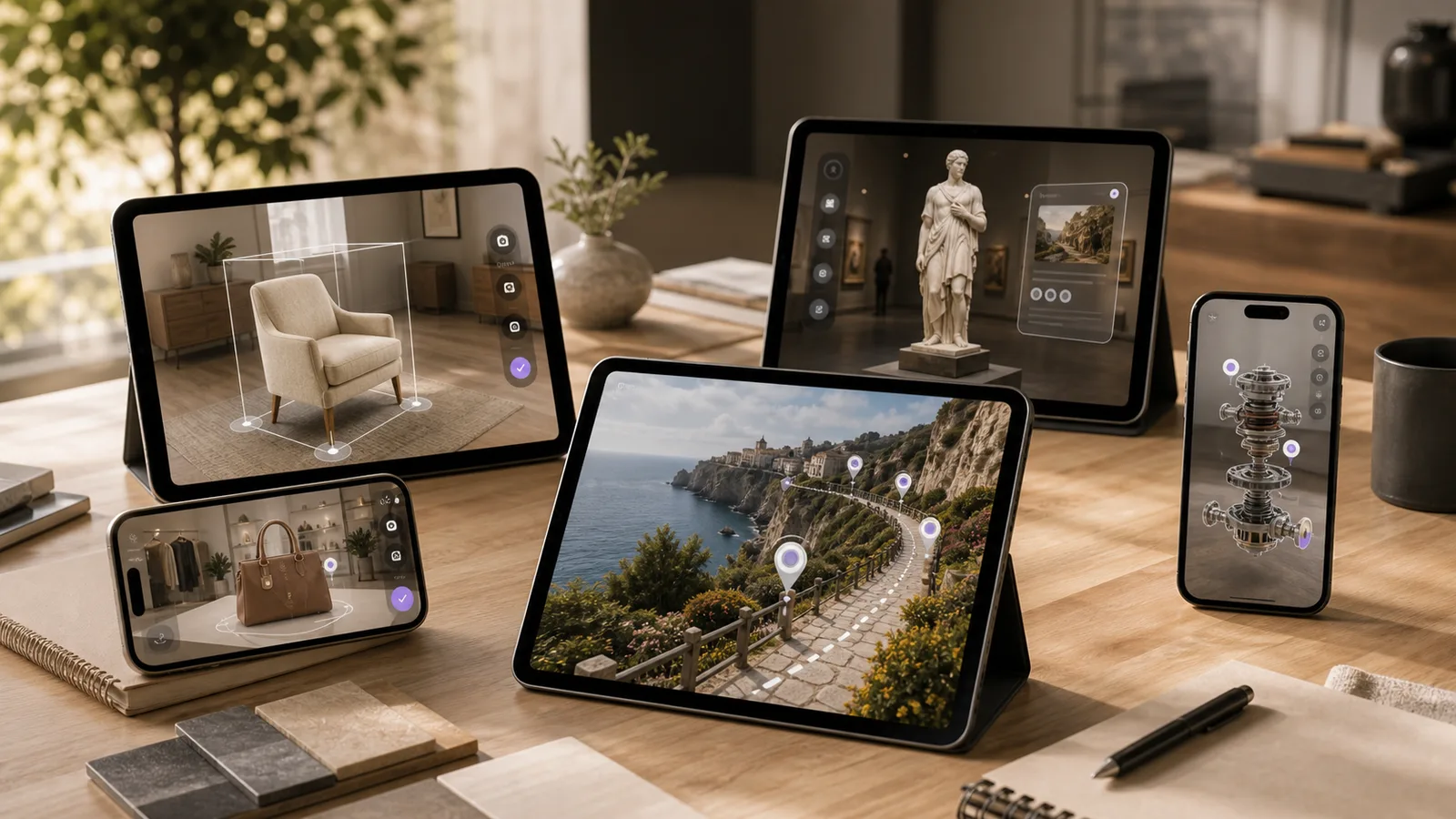
That digital layer can be simple, such as a 3D product preview on a table. It can also be advanced, such as museum objects that come alive through a phone, safety instructions anchored to equipment, an outdoor trail guide, a retail try-on, a campus navigation layer, or a branded campaign that turns packaging into an interactive experience.
For businesses, augmented reality is not valuable because it looks futuristic. It is valuable when it helps people understand, try, compare, learn, or act in a moment where a flat image or normal webpage is not enough.
Augmented reality examples
In plain language, AR lets a person point a device at the real world and see something extra that is not physically there.
- Seeing how furniture would look in a room.
- Trying on glasses, shoes, makeup, or accessories through a camera.
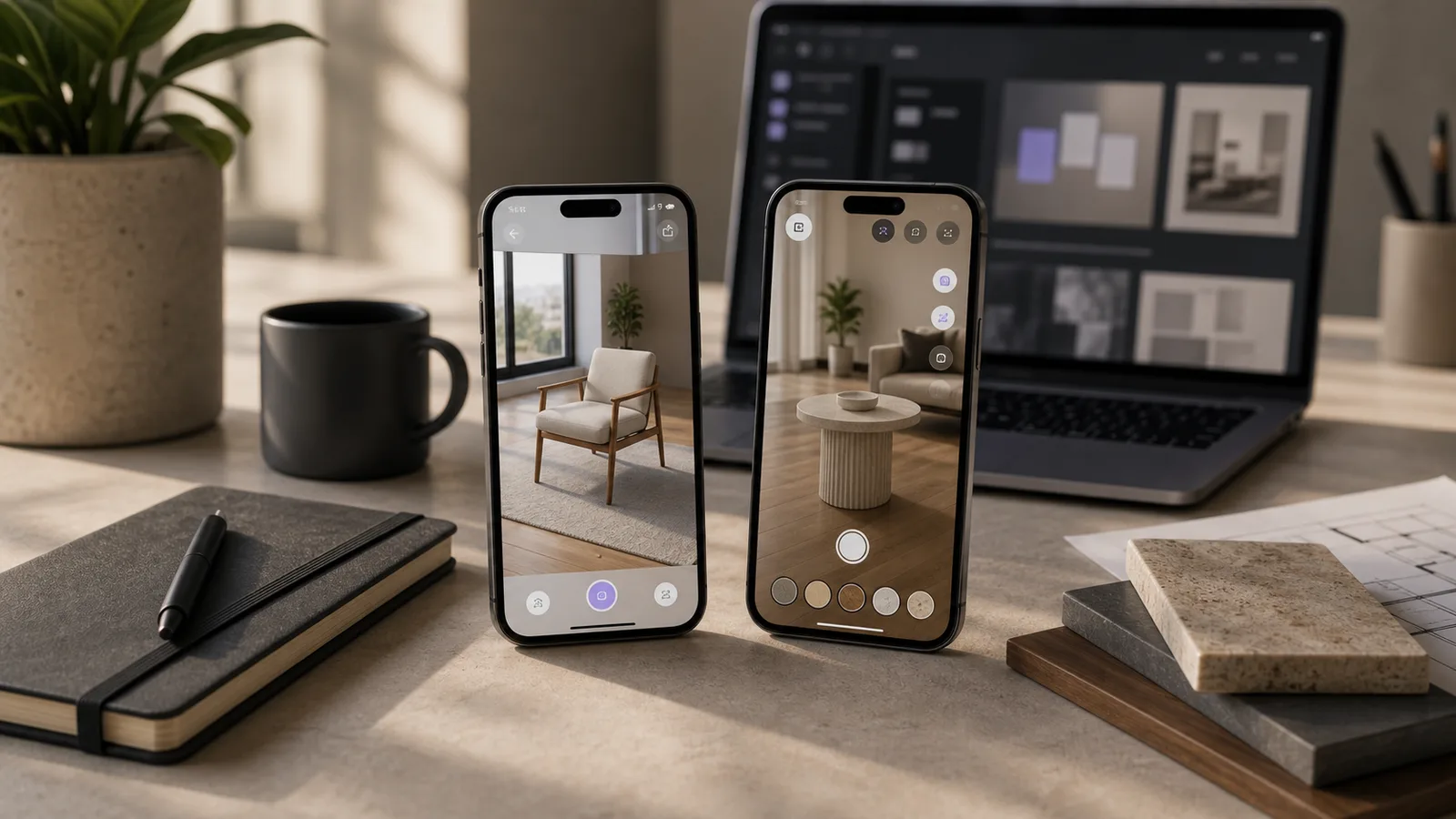
- Viewing a 3D model of a product on a desk.
- Scanning museum signage to reveal extra exhibit context.
- Following wayfinding arrows through a campus or venue.
- Learning equipment steps with digital instructions anchored to real objects.
- Opening a branded experience from a QR code or product package.
How augmented reality works
AR can feel magical to the user, but the core workflow is practical. The system reads the environment, places digital content, and updates that content as the user moves.
- The device reads the environment with camera and sensor data, detecting surfaces, light, motion, markers, objects, and approximate scale.
- The app anchors digital content into the view, such as a 3D model on a table, a label above an exhibit, or a route arrow in a hallway.
- Tracking keeps the illusion stable as the user moves. Good tracking feels attached to the real world; poor tracking drifts and breaks trust.
- The user interacts through taps, swipes, scanning, movement, product options, location cues, or device motion.
- The experience connects to a business action, such as booking, comparing, learning, sharing, submitting a lead, or completing a training step.
Augmented reality vs virtual reality
Augmented reality and virtual reality are related, but they solve different problems. AR adds digital content to the real world, so the user still sees their actual environment. VR replaces the real-world view with a fully digital environment.
AR is often better when the real environment matters. Retail, museums, tourism, campuses, events, field training, packaging, product demos, and wayfinding are strong examples. VR is often better when you need full immersion, simulation, remote practice, or a controlled virtual space.
Some projects combine both. A business might use 360 tours for remote exploration, AR for on-site interaction, and VR for deeper training or simulation.
WebAR vs native AR apps
One of the biggest early decisions is whether to build the AR experience for the web or as a native app. WebAR runs in a mobile browser. Users usually open it from a link, QR code, ad, landing page, or product package. It is often the best choice when the goal is reach, speed, and low friction.
Native AR apps are built for platforms such as iOS or Android. They can use deeper device capabilities and are often better for advanced, repeated, or performance-heavy experiences. Apple's ARKit and Google's ARCore are the major native AR ecosystems.
Choose WebAR when instant access matters most. Choose native AR when performance, repeat usage, advanced tracking, device integration, offline functionality, or long-term product depth matters more.
Which AR approach should you choose?
This comparison is a useful starting point before estimating budget or timeline.
| Approach | Best fit | Watch-outs |
|---|---|---|
| WebAR | Campaigns, packaging, product previews, events, QR-code experiences | Less access to some advanced device features depending on browser support |
| Native AR app | Training, enterprise tools, complex interaction, repeated use | Requires app installation, store deployment, and deeper product planning |
| Prototype first | Unclear ideas, stakeholder demos, early validation | Must be scoped around one decision instead of becoming a mini product |
| AR plus 360/VR | Places, tourism, education, real estate, simulation | Needs a clear content model so the experience does not feel fragmented |
Common types of augmented reality experiences
AR is a broad category. These are the formats businesses most often ask for.
- Marker-based AR: users scan an image, QR code, package, poster, sign, or printed marker to trigger content.
- Markerless AR: the experience detects surfaces or open space without a printed marker, useful for product previews and furniture placement.
- Location-based AR: content appears in a real place, useful for tourism routes, campuses, parks, festivals, and city trails.
- Object recognition AR: the system recognizes a real object and adds context, useful for equipment training, museums, and field workflows.
- Face and body tracking AR: the camera tracks a face or body for try-ons, filters, fitting previews, entertainment, and social campaigns.
Augmented reality use cases by industry
The best AR project is not always the most advanced one. It is the one that helps a specific audience do something useful.
- Retail and ecommerce: product previews, try-ons, color switching, product hotspots, add-to-cart links, and shareable campaign experiences.
- Museums and heritage: reconstructed objects, exhibit notes, language layers, timelines, narrator cues, and interactive learning moments.
- Education and training: spatial lessons, equipment instructions, anatomy, engineering models, safety steps, and hands-on learning support.
- Tourism and destinations: route cues, story points, reconstructed scenes, safety prompts, translation, photo moments, and interactive challenges.
- Real estate and architecture: building models, furniture previews, proposed changes, stakeholder presentations, and on-site overlays.
- Marketing campaigns: packaging activations, event experiences, social sharing, product education, and lead capture.
What makes an AR project successful?
The best AR projects are not the most technically complex. They are the clearest.
- A specific audience and a real business goal.
- A clear reason AR is better than a normal web page, video, or image gallery.
- Simple onboarding that explains what to scan, tap, place, or move.
- Fast loading and optimized 3D assets for mobile devices.
- Stable tracking in the real environments where the experience will be used.
- Mobile-friendly controls and a clear next action.
- Testing on real devices before launch.
What buyers should prepare before commissioning AR
A good AR brief helps a studio choose the right platform, estimate accurately, and avoid building a feature-heavy demo that does not serve the user.
- Define the job of the AR experience: try a product, learn an exhibit, follow a route, understand a service, share a campaign, or complete a training step.
- Choose the primary audience, because a shopper, museum visitor, student, field technician, tourist, and event attendee need different pacing and content.
- Decide where the experience will be used, including lighting, movement, connectivity, noise, and device conditions.
- Gather brand guidelines, 3D models, CAD files, product photos, scripts, videos, maps, exhibit notes, packaging files, floor plans, translations, and calls to action.
- Decide whether instant browser access or deeper native app functionality matters more.
- Plan measurement around scans, dwell time, shares, enquiries, bookings, training completions, product interactions, or user feedback.
How much does augmented reality development cost?
AR cost depends on scope, content, technical depth, and launch requirements. A small WebAR product preview is very different from a native training app with accounts, analytics, custom 3D assets, and advanced object tracking.
Common pricing drivers include WebAR vs native app, number and complexity of 3D assets, animation quality, tracking type, device support, user interface complexity, backend features, analytics, content management, testing environments, app store deployment, multilingual content, accessibility, maintenance, and updates.
For buyers, a better question than What does AR cost? is What is the smallest AR experience that can prove this idea with real users?
How to choose an augmented reality development company
AR sits at the intersection of strategy, UX design, 3D production, development, testing, and launch. A good partner should make those decisions easier.
- Can they explain whether WebAR or a native app fits your goal?
- Can they design the user journey, not just build the technical demo?
- Do they understand 3D asset optimization for mobile?
- Can they test tracking quality in real environments?
- Do they support ARCore and ARKit when native AR is needed?
- Can they integrate booking, lead capture, ecommerce, analytics, or CMS features?
- Can they launch a first prototype before a full build?
- Who owns the assets and source code?
- How will updates be handled after launch?
Where Xentoro fits
Xentoro Studio builds AR, VR, 360 tours, games, and AI voice experiences. That mix is useful because an AR project often touches more than one discipline.
A museum AR guide may need 3D assets, storytelling, mobile UX, and a 360 tour landing page. A retail AR campaign may need WebAR, a product configurator, analytics, and a playful interaction loop. A training experience may start with AR but grow into VR simulation or a game-like learning system.
For AR projects, Xentoro can help with concept discovery, WebAR vs native app planning, interaction design, 3D asset preparation, Unity, ARKit, ARCore or WebXR workflows, prototype development, mobile UX review, website embedding, launch support, and iteration.
FAQs about augmented reality
What is augmented reality in simple terms?
Augmented reality is technology that adds digital content to a real-world view. A user can look through a phone, tablet, browser, headset, or smart glasses and see 3D objects, labels, animations, or instructions placed into their environment.
What are examples of augmented reality?
Common examples include furniture previews, product try-ons, museum exhibit layers, campus navigation, tourism guides, packaging campaigns, training instructions, 3D product demos, and location-based games.
What is the difference between AR and VR?
AR adds digital content to the real world. VR replaces the real-world view with a fully digital environment. AR is useful when the physical environment matters, while VR is useful for full immersion, simulation, and controlled practice.
Is WebAR better than a native AR app?
WebAR is better when instant access, QR codes, campaigns, and low friction matter most. Native AR apps are better when the experience needs advanced performance, repeated use, accounts, deeper device features, or complex tracking.
Which platforms are used for AR development?
Common AR development technologies include ARKit for Apple devices, ARCore for supported Android devices, Unity AR Foundation for cross-platform native AR, and WebXR or WebAR frameworks for browser-based experiences.
Is augmented reality useful for small businesses?
Yes, if the use case is focused. A small business can use AR for product previews, local tourism, packaging campaigns, event engagement, showroom experiences, training, or simple educational demos.
Turn your space into a clear digital walkthrough.
Xentoro can help plan, structure, and publish a 360 tour that works for real buyers, visitors, students, or guests.