What is augmented reality in education?
Augmented reality in education means placing digital objects, labels, animations, instructions, or interactive tasks into a real-world learning environment. A student can point a phone or tablet at a worksheet, object, book page, museum exhibit, classroom marker, or open surface and see extra learning content appear.
That content might be a 3D heart model, a solar system, a historical reconstruction, a vocabulary prompt, a safety instruction, a math challenge, a chemistry molecule, or an animated character that explains a concept.
The goal is not to make every lesson flashy. The goal is to help learners understand something that is difficult to explain with only text, static images, or a normal video.
Where AR education works best
AR is strongest when the learner benefits from seeing scale, movement, context, or interaction.
Science and STEM
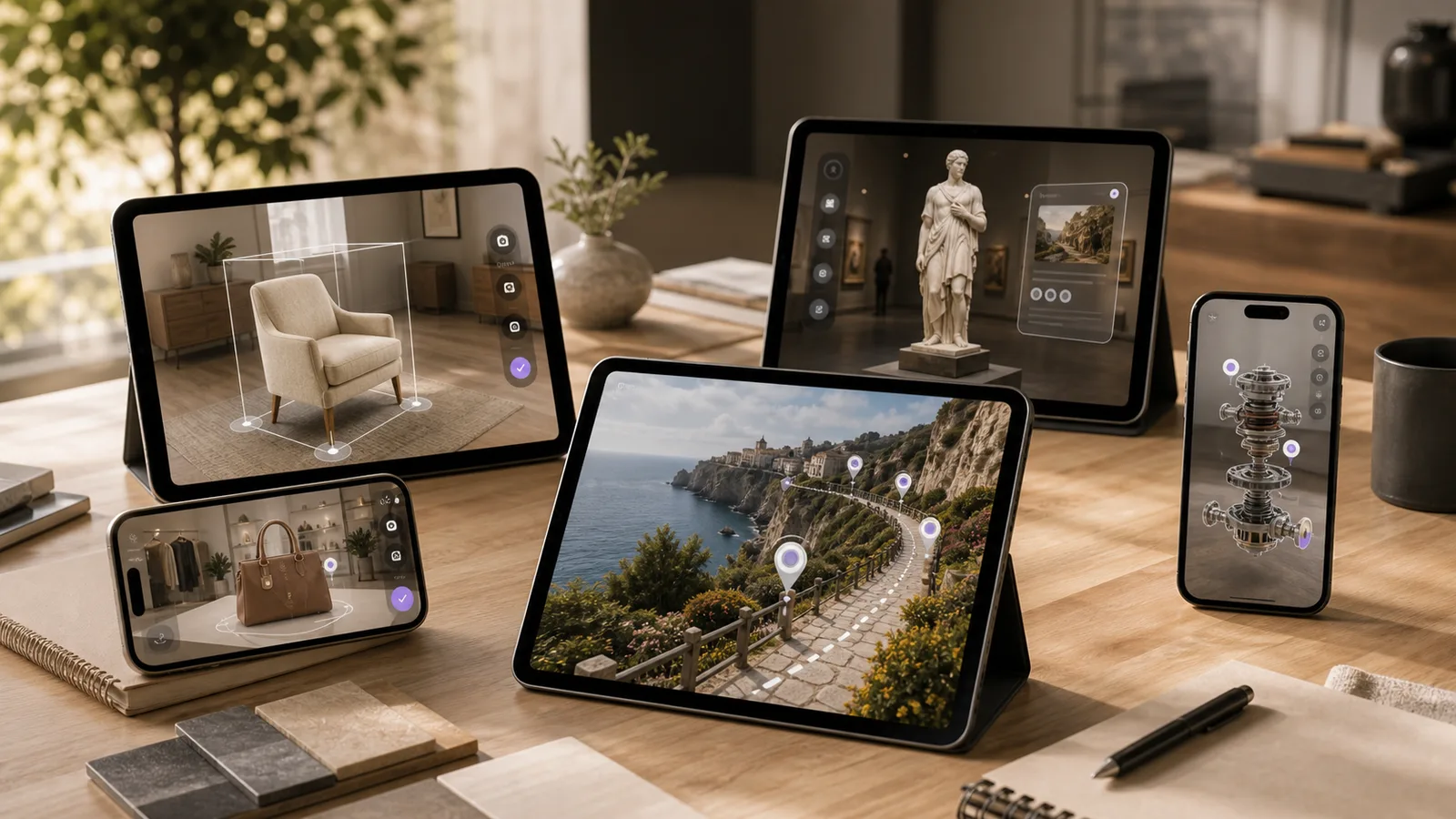
Show anatomy, planets, machines, molecules, circuits, ecosystems, and forces as explorable 3D models.
Museums and heritage
Add reconstructions, timelines, narrator notes, language layers, and hidden context to physical exhibits.
Early learning
Turn letters, numbers, shapes, animals, and coloring pages into simple interactive moments.
Technical training
Guide learners through equipment, safety steps, assembly, maintenance, or field procedures.
Product education
Help customers, sales teams, or trainees understand product parts, features, setup, and use cases.
Benefits of augmented reality in education
The practical value of AR is not novelty. It is clearer learning, stronger attention, and better context.
- Makes abstract topics visible, such as anatomy, space, physics, engineering, and historical scenes.
- Lets students explore a model from different angles instead of passively watching a flat screen.
- Adds interaction to printed material, exhibits, classroom objects, worksheets, or training stations.
- Supports visual and kinesthetic learners who benefit from spatial examples.
- Creates memorable learning moments for museums, schools, camps, workshops, and events.
- Allows a first prototype to focus on one lesson before growing into a larger learning platform.
- Can connect learning to a next action, such as a quiz, worksheet, booking, enquiry, or teacher discussion.
AR is not the right answer for every lesson
Some learning goals are better served by a worksheet, video, teacher demonstration, physical activity, or normal web page. AR should be chosen when the spatial layer adds real clarity.
A good test is simple: if the learner needs to inspect, place, rotate, scan, compare, or interact with something in context, AR may help. If the goal is only to read information, a normal article or video is usually better.
This matters for budget too. The smartest AR education projects start with one focused experience, prove the learning value, and then expand based on feedback.
AR education app ideas by audience
A useful AR learning app should be planned around the learner, not around the technology first.
| Audience | Strong AR idea | Why it works |
|---|---|---|
| Preschools and activity centers | AR alphabet coloring or animal cards | Children already understand the printed page, and AR adds a playful reward. |
| Schools and tutors | 3D science or math explainers | Students can inspect topics that are difficult to visualize from textbook diagrams. |
| Museums and exhibitions | Scan exhibits for reconstructions and story layers | Visitors get context without replacing the physical exhibit. |
| Training providers | Equipment walkthroughs with step-by-step overlays | Learners can connect instructions to real tools, parts, or environments. |
| Edtech founders | One polished prototype around a single lesson | A small build can validate demand before a full product roadmap. |
Start with one lesson, one marker, or one 3D model.
A focused AR prototype is easier to test with teachers, students, parents, museum visitors, or investors than a large app with too many unproven features.
Features a custom AR learning app can include
The right feature set depends on age group, learning goal, environment, and launch platform.
- Marker scanning from worksheets, flashcards, posters, product labels, or museum signage.
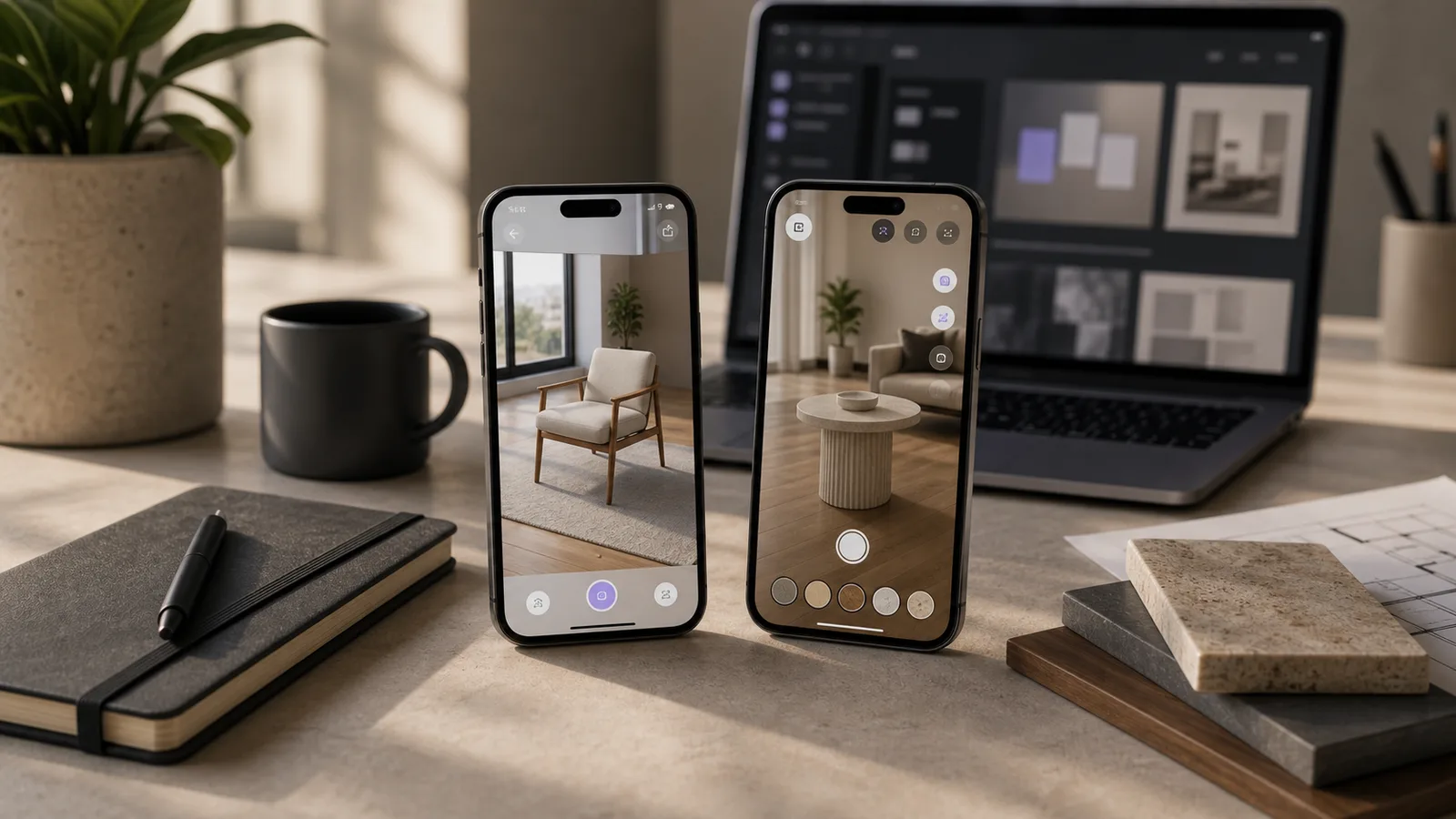
- Surface placement so students can place a model on a desk, floor, table, or classroom space.
- 3D model rotation, zoom, labels, hotspots, animations, and exploded views.
- Voice-over or narration for younger learners and museum visitors.
- Quizzes, checkpoints, drag-and-drop tasks, and small game loops.
- Teacher or parent instructions that stay separate from the child-facing experience.
- Offline support for classrooms, events, museums, or low-connectivity training locations.
- Analytics for scans, lesson completions, quiz attempts, and common drop-off points.
WebAR or native app for education?
WebAR is often the better starting point when access matters most. A learner opens a link or scans a QR code, and the experience runs in the browser. This is useful for museums, events, school demos, marketing campaigns, and one-off learning activations.
A native app is stronger when the experience needs repeat use, offline support, advanced device features, user accounts, progress tracking, deeper performance, or a larger content library.
For many education teams, the best path is to prototype one lesson quickly, test the interaction, and then decide whether the product needs WebAR, a native app, or a hybrid approach.
How Xentoro plans an AR education project
A small but thoughtful build can feel polished without becoming an expensive platform too early.
1. Pick the learning moment
Choose the concept, exhibit, worksheet, training step, or activity where AR adds the most clarity.
2. Define the user flow
Map what the learner scans, sees, taps, hears, answers, saves, or shares.
3. Prepare the content
Create or optimize 3D models, illustrations, narration, labels, animations, and quiz content.
4. Build and test
Test on real devices in the actual environment, then refine loading, tracking, readability, and controls.
Checklist before building an AR education app
Answer these questions before development starts so the project stays practical.
- Who is the learner: preschool child, school student, visitor, trainee, teacher, parent, or customer?
- What is the one topic AR should make easier to understand?
- Will users scan printed material, signage, objects, products, or open surfaces?
- Does the experience need WebAR, Android, iOS, tablet, kiosk, or headset support?
- What content already exists: worksheets, characters, 3D models, CAD files, scripts, diagrams, videos, or lesson plans?
- Will the experience need audio, quizzes, progress tracking, analytics, offline mode, or multiple languages?
- How will success be measured: engagement, learning checks, signups, bookings, enquiries, class usage, or visitor feedback?
Where Xentoro fits
Xentoro Studio builds AR, VR, 360 tours, games, WebGL experiences, and AI voice agents. That mix is useful for education because learning products often need more than one skill: curriculum thinking, interaction design, 3D optimization, mobile UX, game mechanics, and launch support.
For an AR education project, Xentoro can help with concept planning, WebAR vs native app decisions, marker or surface tracking, Unity or WebXR development, 3D asset preparation, classroom or museum UX, quiz logic, simple gamification, website embedding, and launch testing.
The best first step is not a huge platform. It is one useful learning experience that students, visitors, or trainees can try and understand quickly.
FAQs about augmented reality in education
What is augmented reality in education?
Augmented reality in education adds digital content such as 3D models, labels, animations, instructions, or quizzes to a real-world learning view through a phone, tablet, browser, or headset.
What are examples of AR in education?
Examples include 3D science models, AR alphabet cards, museum exhibit layers, anatomy previews, historical reconstructions, equipment training overlays, interactive worksheets, and AR coloring activities.
Is AR useful for schools?
AR can be useful for schools when it makes a concept easier to see, explore, or discuss. It works best as a focused learning aid, not as a replacement for teachers, books, hands-on play, or practical activities.
Should an education AR app be WebAR or a native app?
WebAR is useful for quick access through links and QR codes. Native apps are better for deeper products that need repeat use, offline support, accounts, progress tracking, or advanced device features.
Can Xentoro build a custom AR learning app?
Yes. Xentoro can build custom AR education experiences for schools, museums, edtech products, training providers, activity businesses, and brands that want interactive learning content.
Build a focused AR education experience for one real lesson.
Xentoro can help turn a curriculum idea, museum exhibit, worksheet, product lesson, or training module into a small AR prototype before you invest in a larger platform.